


WebFileUploader gives you the flexibility to set the number of initial file upload fields that displayed in panel user interface. This property is not applicable for attachment bar user interface.
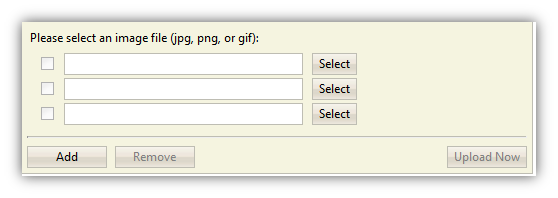
WebFileUploader is configured to show only three upload fields.
To customize this setting, simply set the InitialFileCount property to a number that you desire.
 See Also
Other Resources
{Large files uploading with minimal resources consumption}
{IIS 6 and IIS 7 Integrated mode support}
{Webfarm and multiple worker requests support with built-in FileStateServer}
{Rich user experiences}
{Built-in file saving}
{Real-time progress bar}
{Upload}
{Client-side events}
{Server-side events}
{Limit upload files by type, count, or custom}
{Limit upload size and total upload size}